
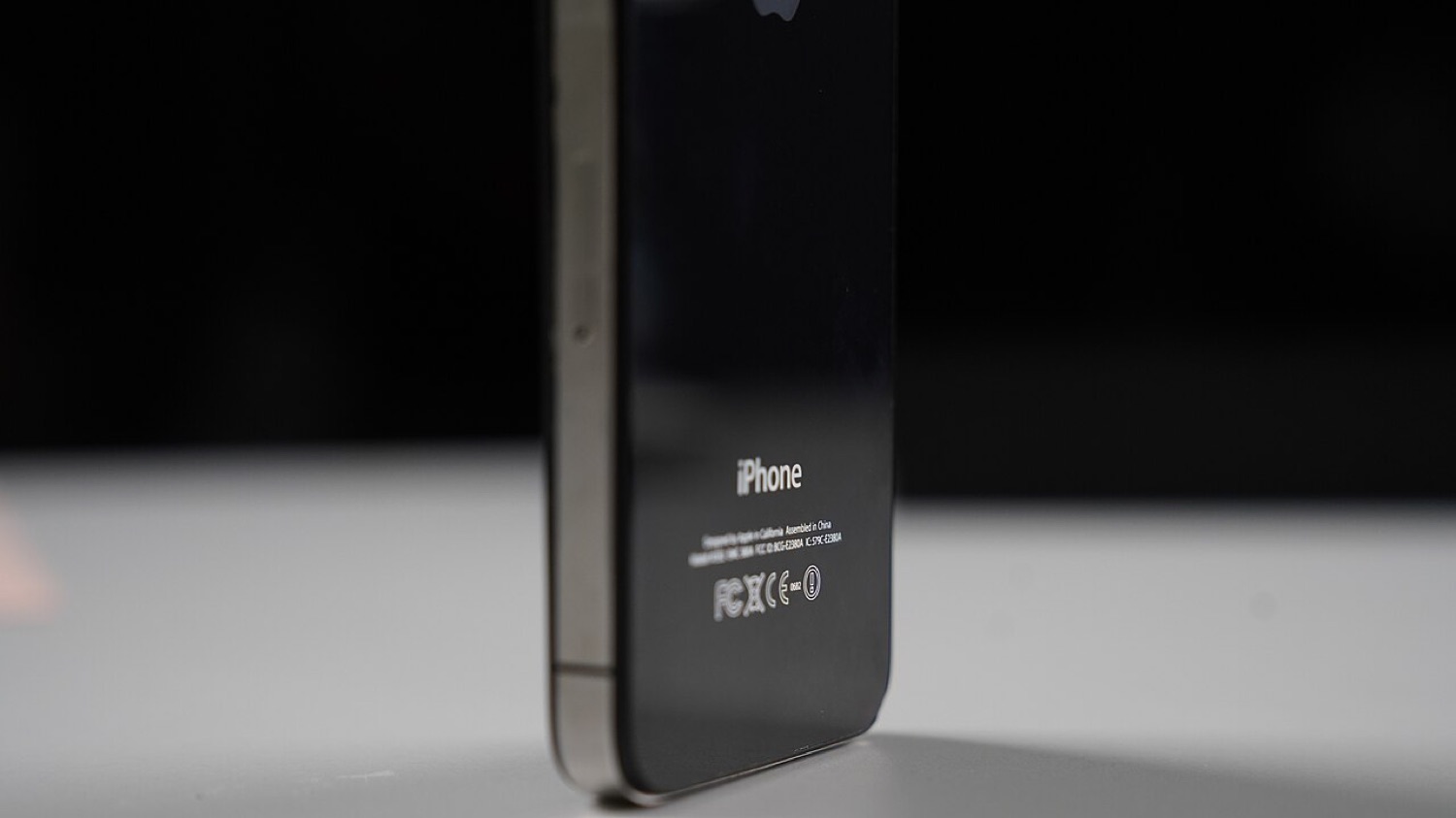
The rear side of a black iPhone 4S standing upright on a table. Photo: IGeeksBlog, CC BY-SA 4.0, via Wikimedia Commons.
In February 2012 this page reported on TP-SIM from a group calling itself ChinaSnow, a hardware "interposer" that claimed to unlock the iPhone 4S on several baseband versions. Our old article included a video and buying advice. We no longer publish unlocking methods of that kind; this page now explains what those devices were, why they faded and how unlocking works today.
Unlocking is not jailbreaking
A jailbreak changes what software the phone runs. A carrier unlock removes the restriction that ties a phone to one network's SIM cards. In the early iPhone years, carriers sold iPhones locked, and many travellers and second-hand buyers wanted them unlocked.
What interposer SIMs were
Devices such as Gevey SIM and TP-SIM were thin circuit boards that sat between the SIM card and the phone, often requiring a custom SIM tray. They worked by intercepting the conversation between the SIM and the baseband, the chip that handles the cellular radio. They tended to be:
- Fragile. A baseband update from Apple usually broke them.
- Unreliable. Dropped calls, lost signal and missing features were common.
- Legally grey. Depending on the country and the period, they could conflict with laws or carrier contracts.
Software unlocks such as ultrasn0w worked only on older basebands and needed a jailbreak. None of these approaches is relevant to modern iPhones.
The US unlocking saga
In the United States, a DMCA exemption covering phone unlocking lapsed in January 2013 for newly bought phones. A large petition followed, and in August 2014 the Unlocking Consumer Choice and Wireless Competition Act restored the exemption. US carriers also adopted industry unlocking commitments around that time.
How to unlock an iPhone today
- Check first. Settings > General > About > Carrier Lock. "No SIM restrictions" means the phone is already unlocked.
- Ask the carrier. Most carriers unlock phones once they are paid off and the account is in good standing, usually for free. The unlock is applied on Apple's activation servers.
- Buy unlocked. iPhones bought directly from Apple at full price are typically unlocked.
- Avoid paid "unlock services" that cannot explain how they work. Some are scams, and some involve stolen or blacklisted devices.
Travel tip
An unlocked iPhone with eSIM support makes travel easy: you can add a local data plan in minutes. If you travel to a betting event or a casino city, note that a local SIM or eSIM does not change which gambling apps you can use. Licensed apps check your physical location, which we explain in why gambling apps are geo-restricted.