
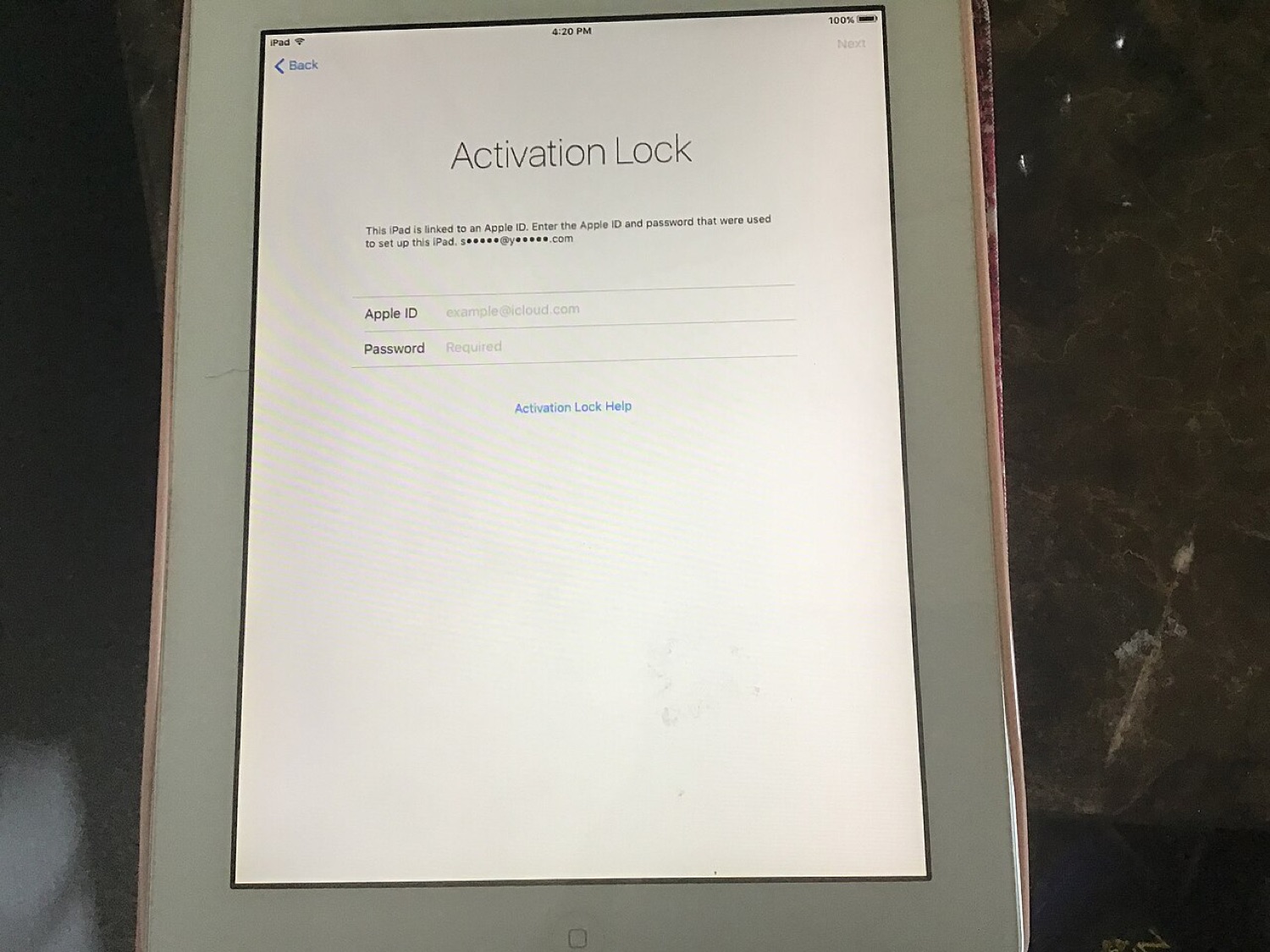
A white iPad 2 showing the Activation Lock screen asking for an Apple ID. Photo: Dancingpolishcow, CC BY-SA 4.0, via Wikimedia Commons.
Old iPhones have a long second life: hand-me-downs, trade-ins, refurbishers. Doing the handover properly protects your data and saves the next owner a lot of trouble. The photo above shows what happens when someone forgets: an iPad 2 stuck on the Activation Lock screen.
Before you hand it over
- Back up. Use iCloud Backup or make a backup with a Mac or PC.
- Unpair accessories. Unpair an Apple Watch from the Watch app first, which also backs up the watch.
- Move your eSIM or ask your carrier how to transfer your number.
- Sign out of your Apple Account. Settings > [your name] > Sign Out. This turns off Find My and Activation Lock.
- Erase the device. Settings > General > Transfer or Reset iPhone > Erase All Content and Settings.
- Remove it from your account list. Check the device list in your Apple Account settings and remove it if it still appears.
Activation Lock: do it the right way
Activation Lock ties a device to its owner's Apple Account. It is one of the main reasons iPhone thefts dropped after it arrived in 2013. Only the owner can switch it off, by signing out or by removing the device in Find My. If you have bought a second-hand device that is still locked, contact the seller. Apple can help owners who have proof of purchase. We do not cover any other method, and you should be wary of anyone who offers one, because "bypass services" are often scams or involve stolen devices.
If it was jailbroken
A jailbroken device should be restored to stock iOS before it changes hands. Erasing through Settings may not remove everything a jailbreak changed, so use a Mac (Finder) or a PC (Apple Devices app or iTunes) to restore the latest available iOS. Our article on SemiRestore and restoring jailbroken devices has the background.
Apps and accounts worth logging out of
Erasing the phone removes app data, but it is still worth signing out of important services first and removing the old device from their trusted-device lists: email, banking, payment apps, password managers and any sportsbook, poker or lottery app that remembers your device. Many of those services let you see and revoke logged-in devices from their website.
Recycle what cannot be reused
If the device is too old to be useful, Apple and many retailers take old phones for recycling, often with credit for newer models.