
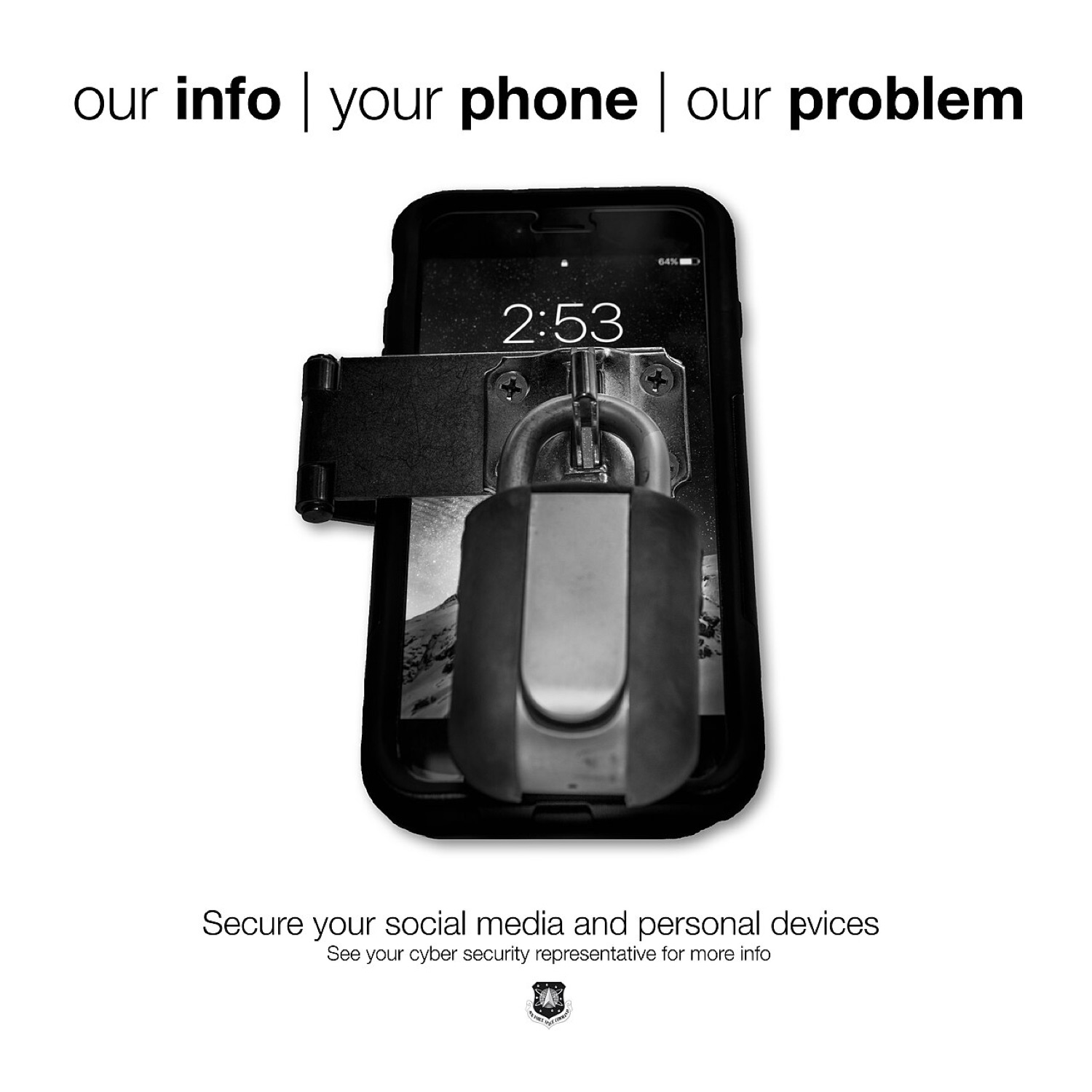
A security-awareness poster showing a smartphone held shut by a padlock. Photo: U.S. Air Force image by Tech. Sgt. David Salanitri, Public domain, via Wikimedia Commons.
Jailbreaking was always a battle with iPhone security. Following that battle for years teaches you a lot about how the iPhone actually protects its owner. Here is the modern security model, explained without jargon, plus the settings worth knowing about.
The foundations
- Secure boot. From the moment it powers on, the iPhone checks that each piece of software is signed by Apple. This chain is exactly what jailbreaks had to break.
- The Secure Enclave. A separate processor that handles Face ID, Touch ID and encryption keys. Even a fully compromised main system cannot simply read your fingerprint data from it.
- Sandboxing. Every app lives in its own box and has to ask permission for photos, location, contacts or the microphone.
- Data protection. Your data is encrypted with keys tied to your passcode, which is why a long passcode matters.
Newer layers
Stolen Device Protection (iOS 17.3, 2024) adds a Face ID or Touch ID check, and for some actions a one-hour delay, when the phone is away from familiar places. It was designed against thieves who watch someone type a passcode and then steal the phone. If you have not turned it on, do it in Settings > Face ID & Passcode.
Lockdown Mode (iOS 16, 2022) is an optional, extreme setting for people who might be targeted by sophisticated spyware: journalists, activists, officials. It switches off many attachment types, some web technologies and incoming FaceTime from unknown people. Most people do not need it, but it is good to know it exists.
Advanced Data Protection extends end-to-end encryption to most iCloud data, including backups and photos, and passkeys replace passwords with keys stored on your devices.
Why a jailbreak undoes much of this
A jailbreak works by disabling or bypassing parts of exactly these protections. That is why banking apps, workplace apps and especially licensed betting apps treat modified phones as untrustworthy. Regulated casino and sportsbook operators must protect customer funds and prove where a bet was placed, and an altered system makes both harder. We cover that in why betting apps refuse jailbroken iPhones.
A five-minute security check
- Install the latest iOS update.
- Use a six-digit or longer passcode.
- Turn on Stolen Device Protection.
- Check Settings > Privacy & Security > Safety Check if you share devices or accounts.
- Turn on two-factor authentication for your Apple Account and email.