
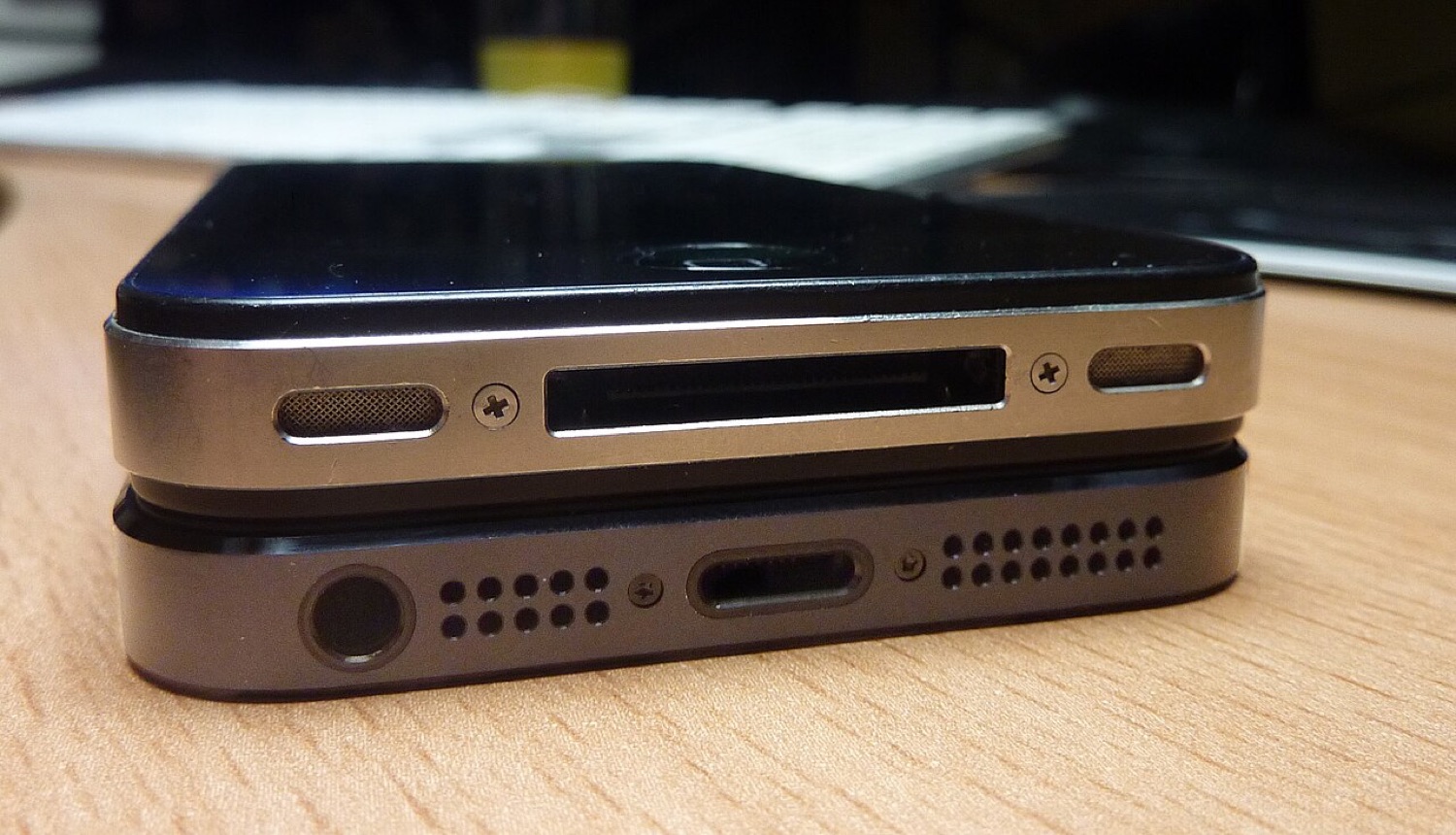
Two iPhones stacked to compare the older 30-pin dock connector with the smaller Lightning port. Photo: Sean MacEntee, CC BY 2.0, via Wikimedia Commons.
In June 2013 we reported that SemiRestore had been released to the public. It was a desktop tool that wiped a jailbroken iPhone, iPad or iPod touch back to a clean state while keeping the jailbreak in place. We no longer link to jailbreak tools, but SemiRestore is a good way to understand a problem every jailbreaker faced.
The restore problem
When a jailbroken device became unstable, the normal fix was a full restore through iTunes. But a restore installed the latest iOS version Apple was signing, which usually meant losing the jailbreak, sometimes for months. People with misbehaving phones were stuck between a broken setup and losing their tweaks.
What SemiRestore did
SemiRestore worked at the "userland" level. Instead of reinstalling iOS, it removed user data and installed packages and put system files back the way they were after the jailbreak. That kept the same iOS version and did not need saved SHSH blobs, the signing tickets that jailbreakers used to downgrade. It ran on Windows, Mac and Linux and was free.
The tool was popular because it was simple, but it was not magic. It only worked on the iOS version already installed, and it could fail on badly broken systems. Later, similar features appeared in other tools and in jailbreaks themselves, often called "restore root filesystem".
Returning to stock iOS today
If you have an old jailbroken device and want it clean and safe again, a full restore is the right answer:
- Back up anything you need, but avoid restoring a backup made while jailbroken if the device was unstable.
- Connect the device to a Mac (Finder) or a Windows PC (Apple Devices app or iTunes).
- Choose Restore. The device will be updated to the latest iOS version it supports.
- If it will not start normally, use recovery mode; Apple's support pages describe the button combination for each model.
This also matters before selling a device, as we explain in our old iPhone checklist.
Why clean matters
A clean, updated device is the only kind that banking, payment and licensed betting apps fully trust. Many poker and sportsbook apps simply will not open on a modified phone, so a restore is often the quickest way back to using them.