
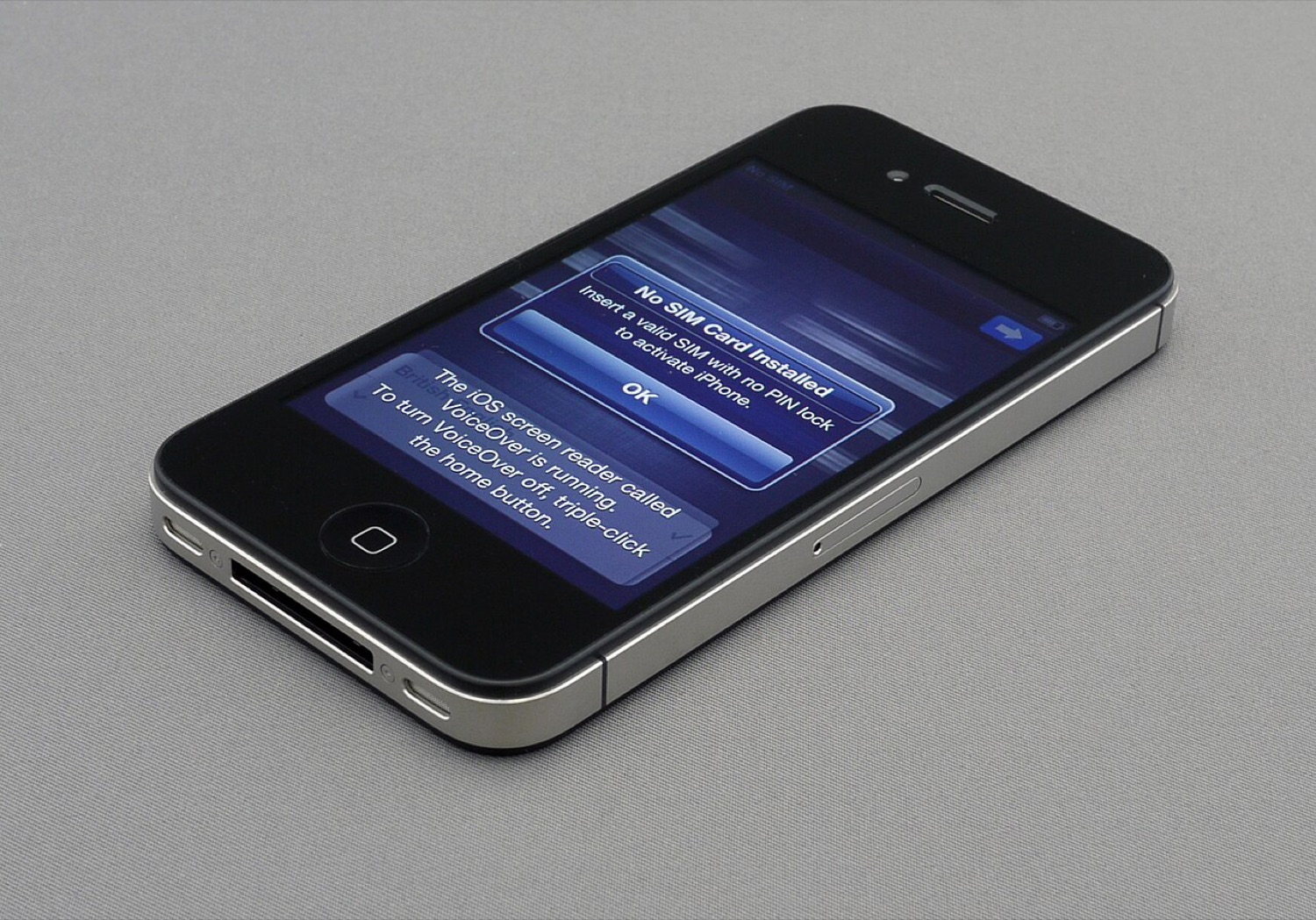
A new iPhone 4S showing its setup screen, photographed during unboxing in October 2011. Photo: Brett Jordan, CC BY 2.0, via Wikimedia Commons.
When the iPhone 4S arrived in October 2011, it brought Siri and a new microphone key on the keyboard for dictation. Not everyone wanted that key. It sat next to the space bar and was easy to hit by accident. In June 2012 we wrote about NoDictation, a tweak that removed the dictation key without disabling Siri. Back then that was impossible without a jailbreak.
Why people wanted it
- Accidental taps. The key was right where thumbs landed when typing fast.
- Privacy. Dictation in 2011 and 2012 sent audio to Apple's servers for processing, and some users simply did not want that.
- Space. Removing the key gave the space bar more room.
Siri tweaks of the era
Siri was exclusive to the iPhone 4S at launch, which inspired a wave of jailbreak projects. Some added new commands to Siri; others tried to port Siri to older devices. Those ports used Apple's servers without permission and were not legal, so we did not cover them, and Apple shut them down quickly.
How to control dictation and Siri today
- Dictation: Settings > General > Keyboard > Dictation. Switching it off removes the microphone key.
- Siri: Settings > Siri (or Apple Intelligence & Siri on recent models), where you can turn off listening for the wake phrase and pressing the side button for Siri, separately.
- Privacy: on recent iPhones, much dictation and Siri processing happens on the device, and Apple offers settings to opt out of sharing audio recordings.
Voice and money don't mix well
Voice assistants are great for timers and texts, but think twice before using them anywhere near payments or account details. Anything you say near an always-listening device can be overheard by the people in the room, if not by the device. That applies to card numbers, banking codes and the login details for any betting or casino account. Our guide to phone security for betting accounts covers safer habits.
NoDictation was a tiny tweak, but it made a fair point: people want control over what their phone listens to. iOS now gives them that control in plain settings.